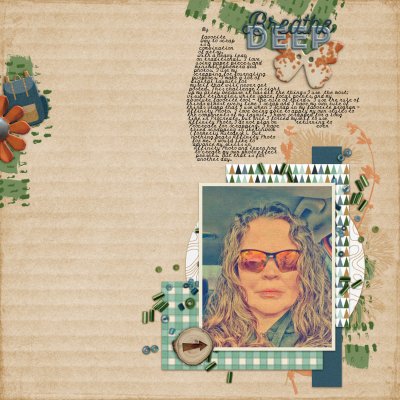
Journaling: My favorite way to scrap is a combination of artsy, with a heavy lean on traditional. I love using paper pieces, and minimal ephemera and photos. I use my scrapping for journaling purposes. I make a lot of digital layouts for myself that will never get posted. This challenge is right up my alley because it has all the things I use the most: visual triangles, white space, focal points, and my absolute favorite tool - the rule of thirds. I use the rule of thirds almost every time I scrap and I have my own rule of thirds stamp that I use when I scrap in my favorite program - Affinity Photo. I love being able to apply my own styles to the components of my layout. I have scrapped for a long time in Procreate, but once I forced myself to use Affinity Photo, I do not plan on returning to Procreate for scrapping. I have even tried scrapping in Sketchbook (formerly Autodesk). But nothing beats Affinity Photo for me. I would like to advance my skills in Affinity Photo and learn how to create my own photo effect presets. But that is for another day.
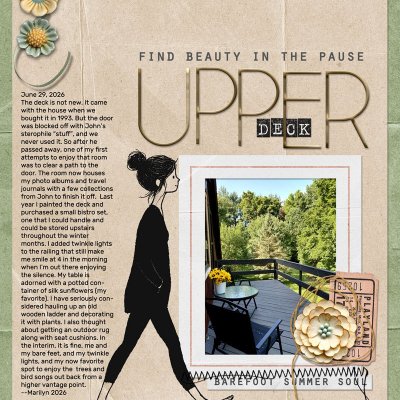
Photo: Mine (ran through InstaToon)
Font: Olympia Script (I love script and typwriter fonts and this is both)
Supplies: Ninigoesdigi (@ninigoesdigi) - Wander & Wonder Kit
Gorgeous page Margaret! I love the kraft cardboard style bg you used, your avatar photo and your wonderful clusters and layering! Your shapely journaling is fabulous too! I am big on typewriter fonts too!!!) Beautiful page and wonderful journaling! TFS!
Thank you so much @cfile! I like how the journaling spot came out. I was going to put it on the left, but it did not work there. And by the grace of God I discovered a way to create my own shape that I can make the text fill. I am going to use this newly discovered technique in future layouts. I have been hitting tab and enter multiple times and now I don’t have to.
Very cool Margaret! I love to learn new things!! Have you checked the learning pad forum here? Angela Toucan @Angela Toucan has some tutorials there and is our guru for all things affinity so I know she would help if you got stuck with something
I love how you describe your way of scrapping and then display it for us! I can tell we are traditionalists at heart with our love of patterned papers!
This site uses cookies to help personalise content, tailor your experience and to keep you logged in if you register.
By continuing to use this site, you are consenting to our use of cookies.